Overview
crow is a loose collection of helpers for your shiny development.
It can help with:
- 📦 modules
- 🧪 testing
- 📖 documentation
- … and more
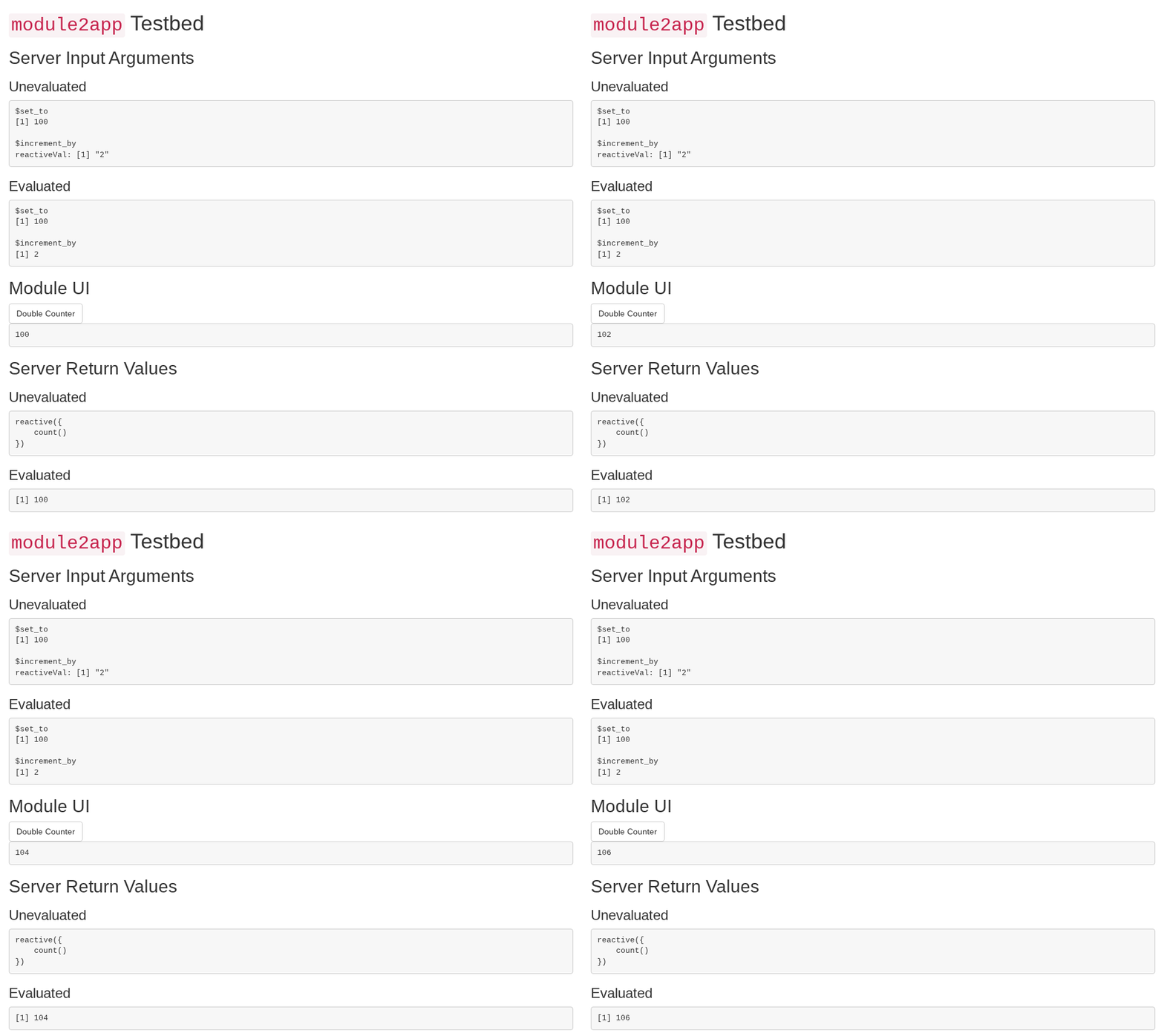
For example, module2app() shows a module in a full app, with the module’s input arguments, UI and return values:
crow is:
- Opinionated on quality: shiny apps and modules should be exported functions in an R package.
- Flexible in implementation: crow is not a framework. Use only the helpers that you need.
- Lightweight: crow is for development. Your app needs shiny, not crow.
If you want a framework or a generated app structure, use rhino, golem or leprechaun.
Installation
# install.packages("pak")
pak::pak("dataheld/crow")
Do not add crow to Imports: in your DESCRIPTION. If your tests or testbed apps call crow, add it to Suggests:.
If they don’t, but you want to record that you used crow for development, consider an extra dependency:
Config/Needs/website: dataheld/crowCoding agents
crow ships an Agent Plugin in its installed package directory. Its add-shiny-module skill teaches agents to build, test and document modules with crow. Install the plugin from there, for example in Copilot CLI:
Clients such as Copilot CLI copy the plugin when they install it: reinstall it after you upgrade crow.
The plugin’s MCP server lets agents run a module of your package without crow’s displays for humans, set its inputs, read its arguments, return values, reactlog events and logs, and screenshot it (see ?crow_tools). It needs Chrome. The server runs R code that the agent writes, with your rights; only a sandbox around the agent isolates your system from that code. To serve crow’s tools together with btw’s, configure this server in your project instead: